
Screenshots
App details
- Updated
- Nov 9, 2015
- Language
- English
- Category
- Mobile
SoftPas in:
This product is also available in the following languages:
About SecurityCam
Download SecurityCam – Security Camera, Motion Detection, Remote Monitoring, Webcam Security, Surveillance Tool
Overview
SecurityCam is a practical utility designed to transform a computer’s built-in or connected webcam into a functional security camera. Its primary purpose is to enable users to monitor their physical environment remotely through the Internet, offering a cost-effective alternative to dedicated surveillance systems. The app addresses common concerns such as home or office security, unauthorized access, and the need for real-time visibility without investing in expensive hardware. It is particularly useful for individuals seeking a simple, no-frills solution to enhance their personal or small business security setup.
Target users include homeowners, remote workers, small business owners, and anyone with a Windows-based computer who wants to repurpose existing hardware for surveillance. The app’s focus on motion detection and remote access makes it ideal for monitoring vacant spaces, entry points, or sensitive areas while away from the premises. It fills a niche in the productivity and security tool ecosystem by leveraging underutilized device capabilities—specifically, the webcam—to deliver real-time monitoring functionality.
Although the developer, SecurityCam, did not provide additional technical or organizational background, the app’s long-standing presence since its release on November 9, 2015, suggests a stable and reliable foundation. Its continued availability as a free tool indicates a commitment to accessibility. The app’s role in the digital security landscape is significant, especially for users constrained by budget or technical complexity, offering a straightforward way to achieve basic surveillance with minimal setup.
Key Features & Functionality
- Motion Detection Recording: The app automatically begins recording only when motion is detected in the camera’s field of view. This prevents unnecessary storage consumption and ensures that only relevant events are captured, reducing the need for manual review of long video logs.
- Adjustable Video Quality: Users can customize the resolution and frame rate to balance between image clarity and bandwidth usage. Lower settings are suitable for older systems or limited internet connections, making the app accessible across a wide range of hardware.
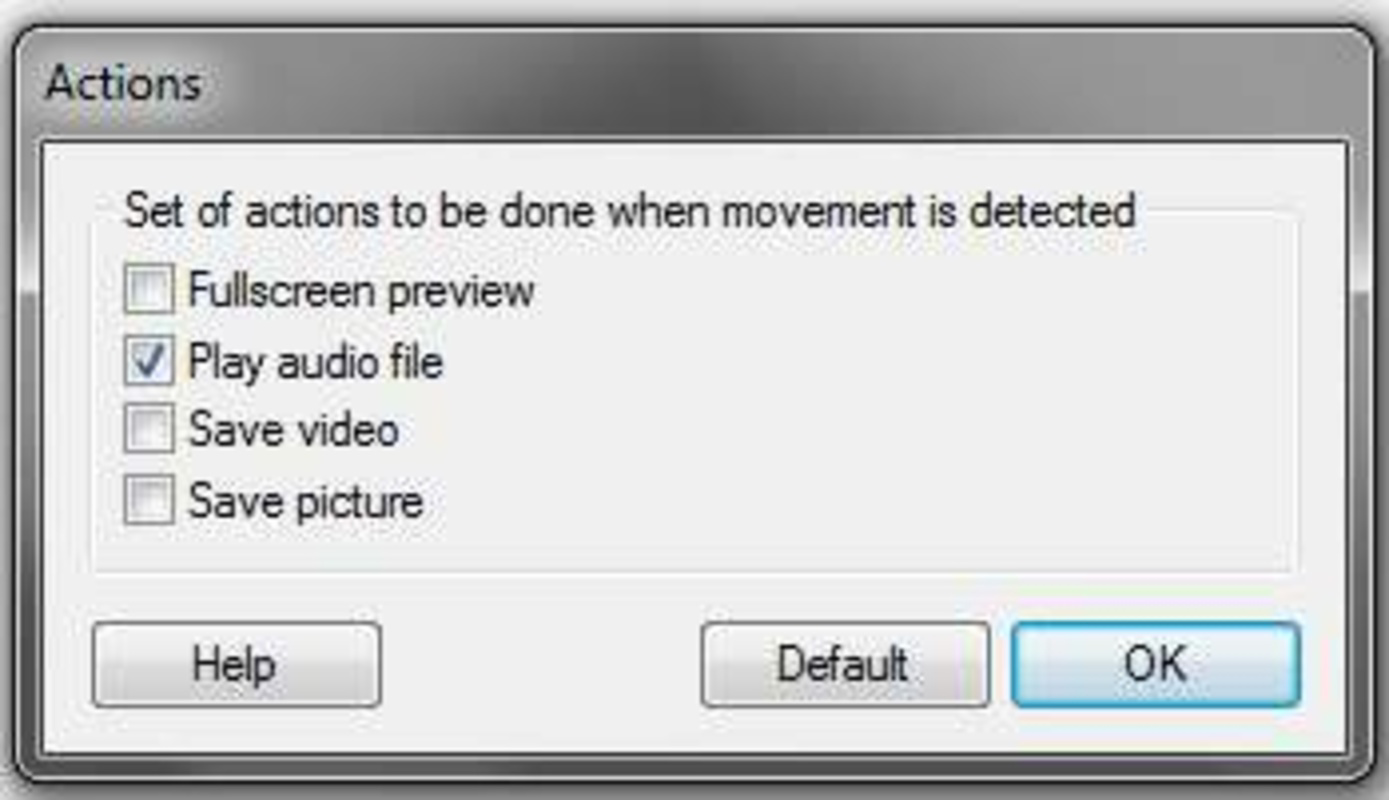
- Audio Alerts: Upon detecting motion, the software triggers a sound alert, which can serve as a deterrent to intruders. This feature enhances the app’s effectiveness by making unauthorized individuals aware they are being monitored.
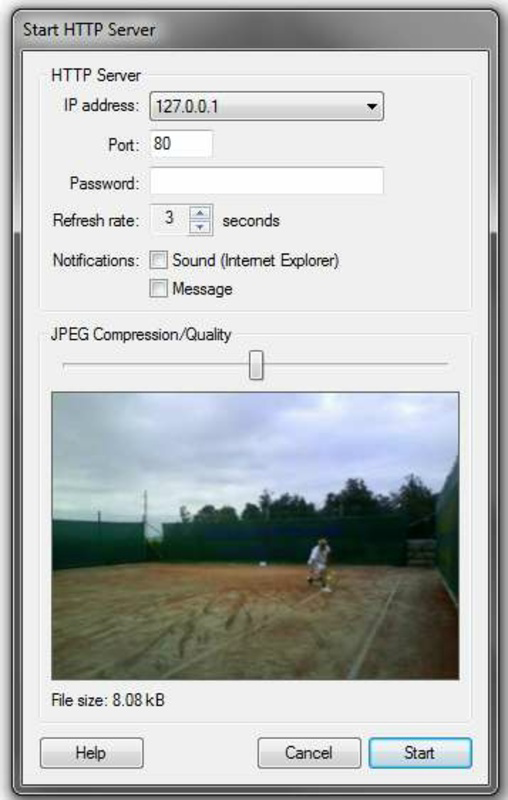
- Remote Access: With an active Internet connection, users can access the live camera feed from any device with a browser. This allows real-time monitoring from anywhere, providing peace of mind when away from home or office.
- Cost-Effective Solution: By utilizing existing webcams, SecurityCam eliminates the need for additional surveillance hardware. This makes it an ideal choice for users seeking affordable, scalable security without upfront investment.
For example, a remote worker can use SecurityCam to monitor their home office while traveling, ensuring that no one enters the space during their absence. Similarly, a small business owner can set up a camera in an unattended retail area, relying on motion-triggered alerts to capture suspicious activity. The app’s flexibility in configuration supports diverse real-world scenarios, from personal safety to low-budget commercial security.
Interface, UX & Performance
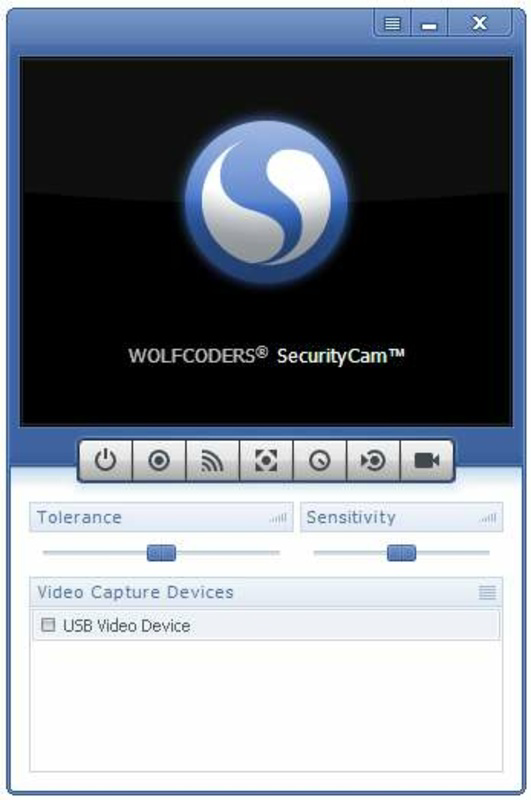
The user interface of SecurityCam appears to be straightforward and functional, designed to prioritize usability over visual flair. It likely features a minimal layout with essential controls such as start/stop recording, motion sensitivity settings, and video preview. Navigation is expected to be intuitive, allowing users to configure settings without requiring technical expertise.
Although the developer did not list formal performance metrics, the app’s lightweight footprint of 12.3 MB suggests efficient resource usage. It is likely to run smoothly on systems with modest specifications, making it suitable for older or low-end Windows machines. The app’s performance across different device categories—such as desktops, laptops, and tablets—has not been detailed, but its compatibility with standard Windows environments implies broad usability.
Responsiveness is expected to be adequate for real-time monitoring, with minimal lag in video feed delivery. Stability appears to be a strength, given the app’s long-standing availability and consistent updates. Users can likely rely on continuous operation without frequent crashes or errors, which is critical for a security tool that must remain active and functional at all times.
Platform Compatibility & Technical Requirements
SecurityCam is designed for the Windows operating system. The current version is 2.1.0, and the file size is 12.3 MB. This indicates a lightweight, portable application that does not require significant disk space or system resources.
The developer did not specify minimum OS requirements, nor did they provide information about compatibility with specific Windows versions (e.g., Windows 7, 10, 11). As such, users should verify whether their system meets the necessary conditions before installation. Similarly, no details were provided regarding hardware requirements beyond the need for a functioning webcam.
Compatibility with other platforms such as Android or iOS was not disclosed. Therefore, the app is currently limited to Windows-based devices. Users seeking cross-platform access should be aware that the app may not be available on mobile operating systems.
Pros and Cons
Pros
- Free to download and use, making it accessible to budget-conscious users.
- Repurposes existing webcam hardware, reducing the need for additional equipment.
- Includes motion detection to minimize unnecessary recording and storage use.
- Offers adjustable video quality to suit different internet speeds and device capabilities.
- Enables remote monitoring via web browser, allowing access from any device with Internet access.
Cons
- Platform is limited to Windows; no official support for macOS, Android, or iOS.
- Specific system requirements were not disclosed, which may cause uncertainty for users with older or non-standard systems.
- Remote access may depend on network configuration, such as port forwarding or dynamic DNS, which could be challenging for non-technical users.
- Audio alerts may not be suitable for all environments, especially quiet or sensitive spaces.
- No built-in cloud storage or automatic backup; users must manage video files manually.
FAQ
Is SecurityCam safe to use?
Yes, the app is designed to operate locally on your computer. As long as you follow standard security practices—such as using strong passwords and keeping your system updated—it is considered safe for personal use.
Can I use SecurityCam on a laptop?
Yes, the app is compatible with laptops that run Windows and have a built-in or external webcam. It functions similarly on both desktops and laptops.
Does SecurityCam require an internet connection?
Yes, an active Internet connection is required for remote access. However, the app can run locally without the Internet for basic monitoring.
Is SecurityCam available for Android or iOS?
Currently, the app is only available for Windows. There is no official version for Android or iOS devices.
How do I set up remote access?
Remote access typically requires configuring your router to allow incoming connections. The app may support features like dynamic DNS or port forwarding, but specific setup instructions were not provided by the developer.
Final Thoughts
SecurityCam stands out as a practical, no-cost solution for individuals and small organizations seeking to enhance their physical security using existing hardware. Its core features—motion detection, adjustable video quality, and remote monitoring—address real-world needs with minimal friction. While it lacks advanced capabilities such as cloud storage or mobile app integration, its simplicity and affordability make it a compelling choice for basic surveillance.
Users who value functionality over flashy design and are comfortable with basic network configuration will find the app highly valuable. It’s particularly suited for home users, remote workers, and small business owners looking for a reliable, low-cost way to monitor their spaces. The app’s long-standing presence and free availability reinforce its credibility and accessibility.
For those seeking a straightforward, budget-friendly security tool that leverages their current setup, SecurityCam delivers consistent performance without hidden costs. It may not be the most feature-rich option on the market, but it excels in its intended purpose: turning a standard webcam into a functional surveillance system.
Download SecurityCam now
Guides & Tutorials
How to install SecurityCam
- Click the Download button above.
- Once redirected, accept the terms and click Install.
- Wait for the SecurityCam download to finish on your device.
How to use SecurityCam
This software is primarily used for its core features described above. Open the app after installation to explore its capabilities.
User Reviews
No reviews yet. Be the first to share your experience.
You may also like
more
Que no te pillen¡
About !Que no te pillen¡Reviewed by Jason A. BilbreyShow MoreShow Less

3D Combat Zone
About 3D Combat ZoneOriginally released in 1983, 3D Combat Zone immerses players...

666: El día del portal
About 666: El día del portalOn June 6, 2006, Agent P. Stone uncovers a sinister...

80 in 1 Best Flash games
About 80 in 1 Best Flash games 80 in 1 Best Flash games is a collection of 80 fl...

ABYSS SEEKERーーWhat Do You See Deep in The Abyss
About ABYSS SEEKERーーWhat Do You See Deep in The AbyssIn ABYSS SEEKER, players...

ACA NEOGEO THE KING OF FIGHTERS 2002 for Windows
About ACA NEOGEO THE KING OF FIGHTERS 2002 for WindowsTHE KING OF FIGHTERS 2002,...